Public Housing
MiniDCD NSPIRE Public Housing
Field documentation, review, reporting, and optional follow-through records for Public Housing inspection activity.
View the Public Housing product Landmark Inspection Services, LLC855-987-5400
MiniDCD NSPIRE software
MiniDCD translates Landmark’s field and office experience into purpose-built inspection documentation tools for Public Housing and Voucher Housing needs.
Developed from inspection work
MiniDCD grew from the repeated realities of field inspection: many locations, exact observations, supporting evidence, review before completion, durable outputs, and follow-through that cannot lose its connection to the original finding.
The interface starts with the inspection work—not with a generic form builder.
See the experience behind MiniDCD →Two products · two outcomes
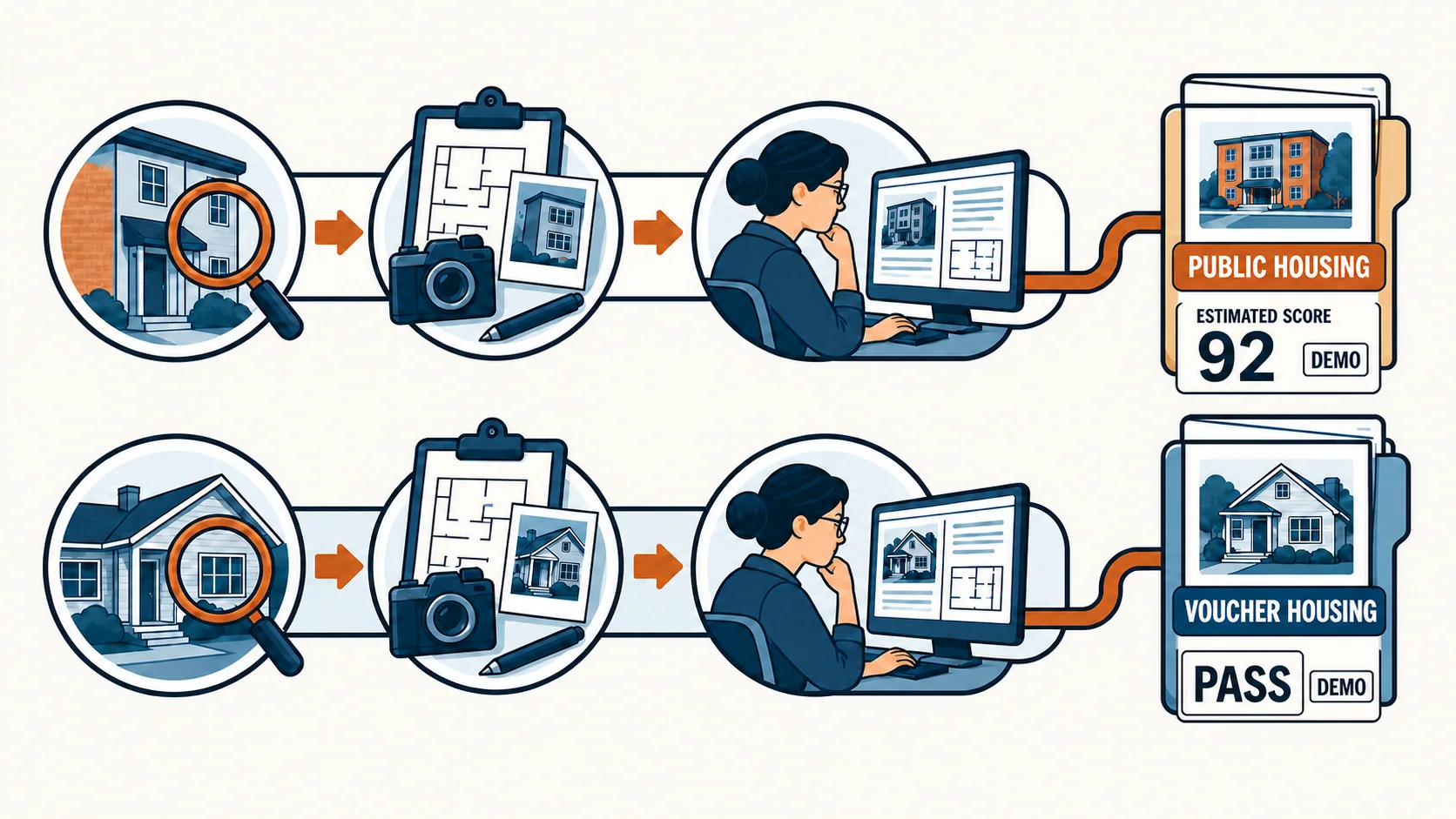
The example Public Housing value is an estimated software score—not an official HUD score. The example Voucher Housing result is a software pass—not an official HUD or PHA determination.
Public Housing
Field documentation, review, reporting, and optional follow-through records for Public Housing inspection activity.
View the Public Housing productVoucher Housing
A separate local field workspace for NSPIRE-V inspection records, review, and local pass/fail workflow.
View the Voucher Housing productUseful to more than one role
The strongest software story is not a list of buttons. It is how the same documented inspection supports the people who assign, inspect, review, manage corrections, and oversee the program.
See how inspection activity, review, results, and follow-through fit together at a program level.
Carry open findings into organized work-order and verification records without losing inspection context.
Keep the inspectable area, exact location, selected deficiency, evidence, and notes in one working path.
Check required context and consistency before the record is completed and durable outputs are produced.
Sample workflow
This simplified walkthrough illustrates the process. It is not the MiniDCD application, an official score, or a HUD/PHA determination.
Sample issue: damaged bathroom exhaust cover in Unit 204. The observation stays connected to its area and exact location.
Start with the program context, team, device environment, workflow need, and demonstration objective. Landmark will confirm the appropriate demonstration path and current availability.